All presets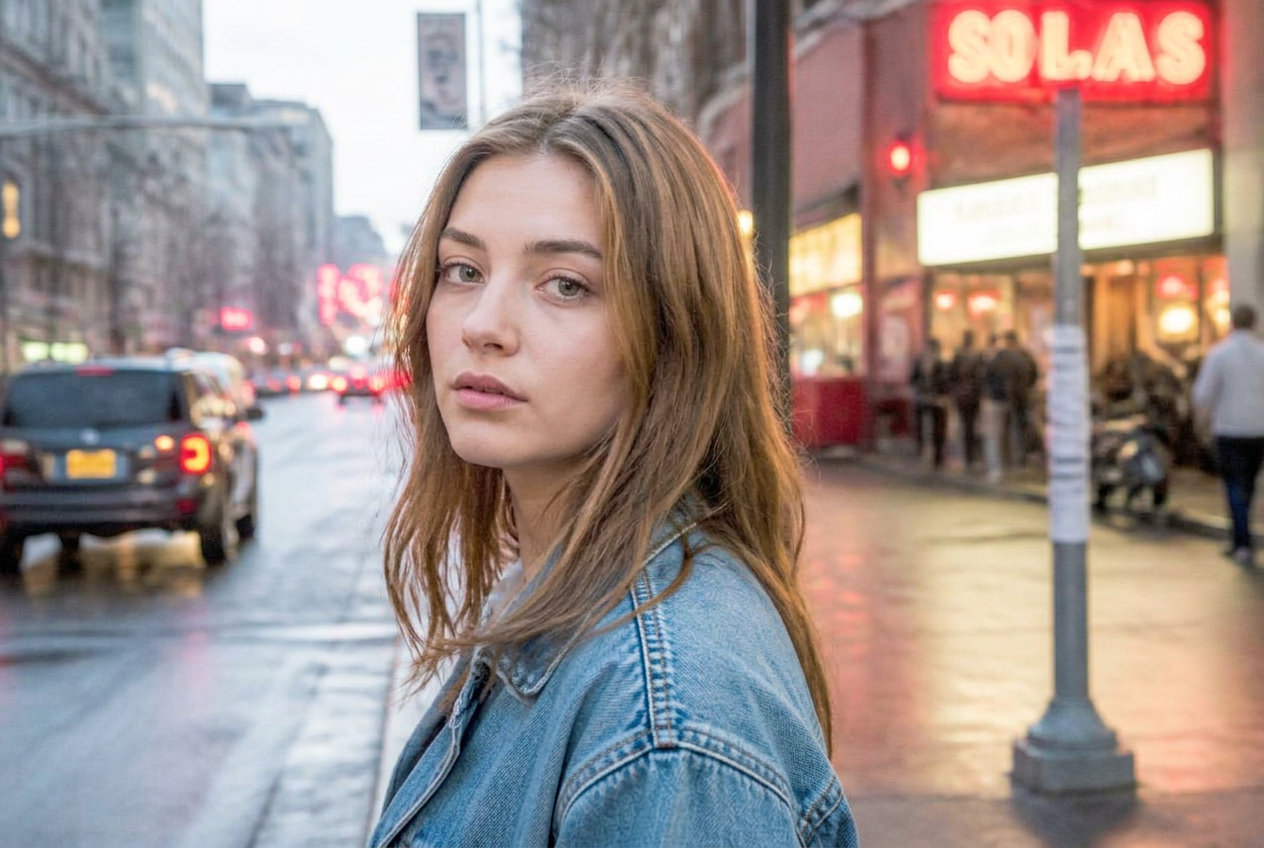
Clean portrait
Bright, natural skin
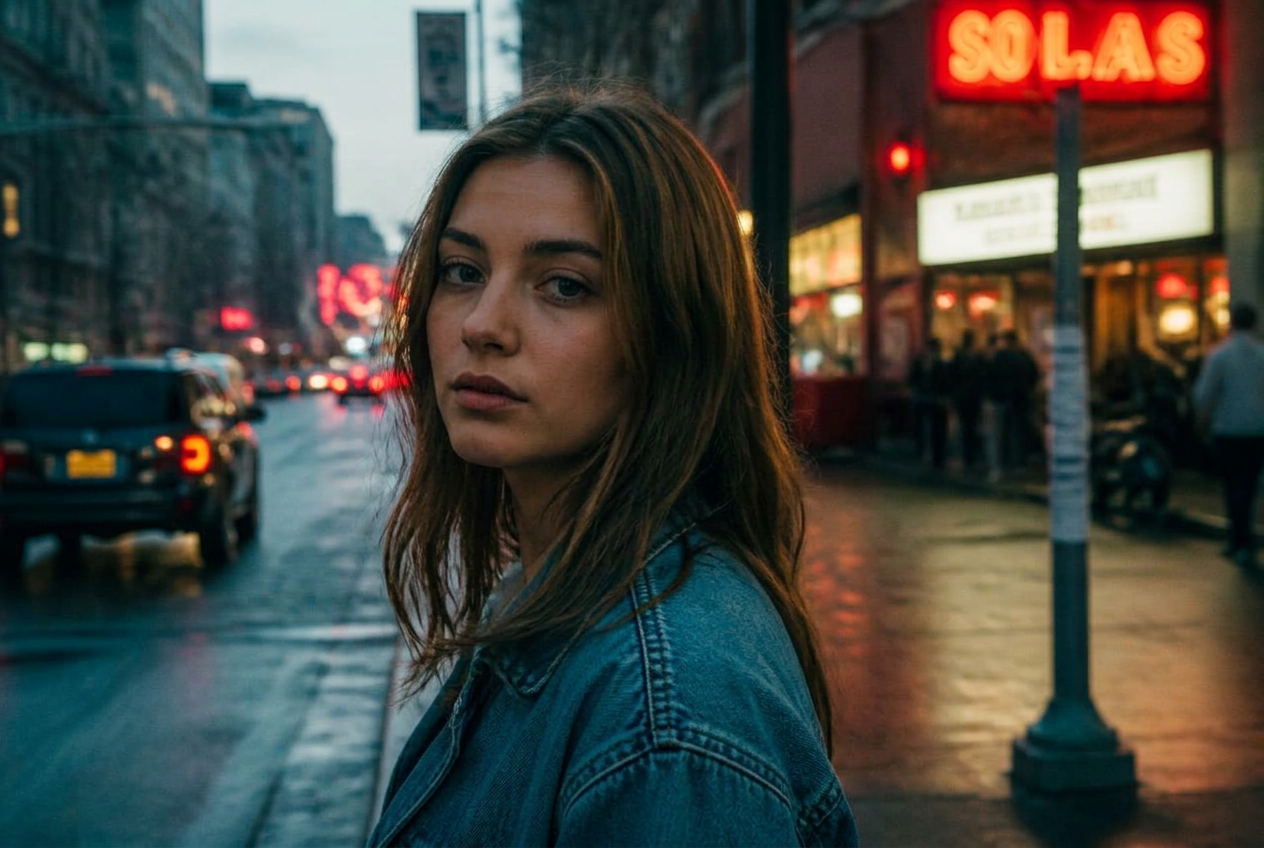
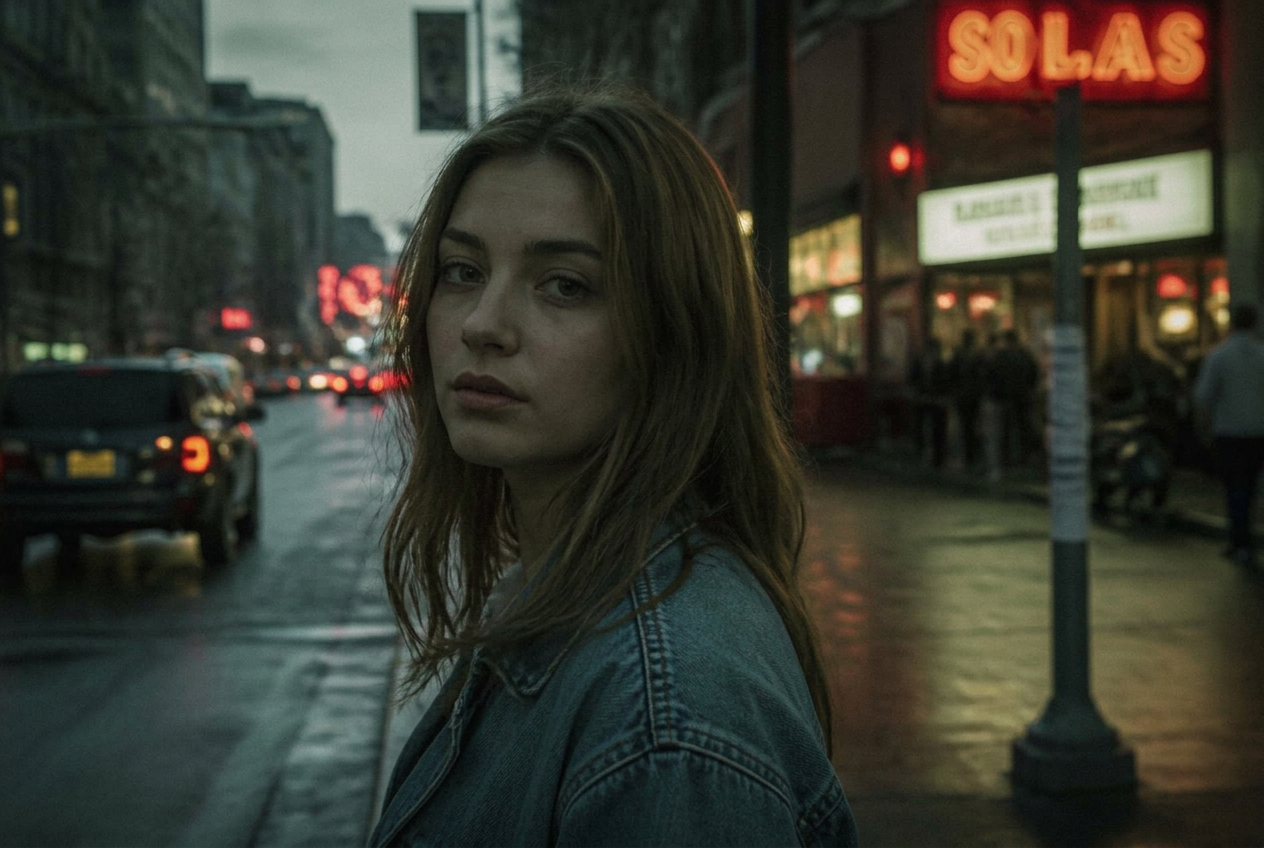
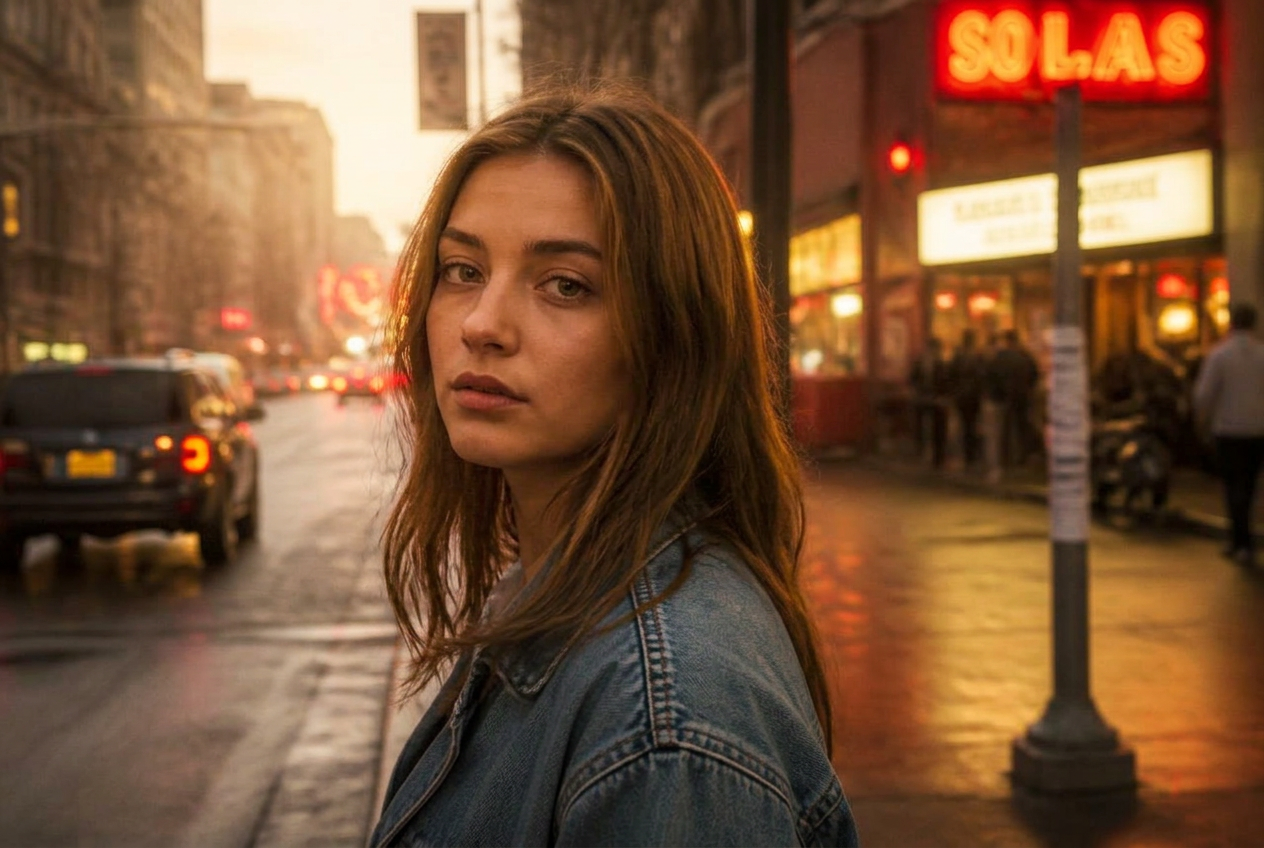
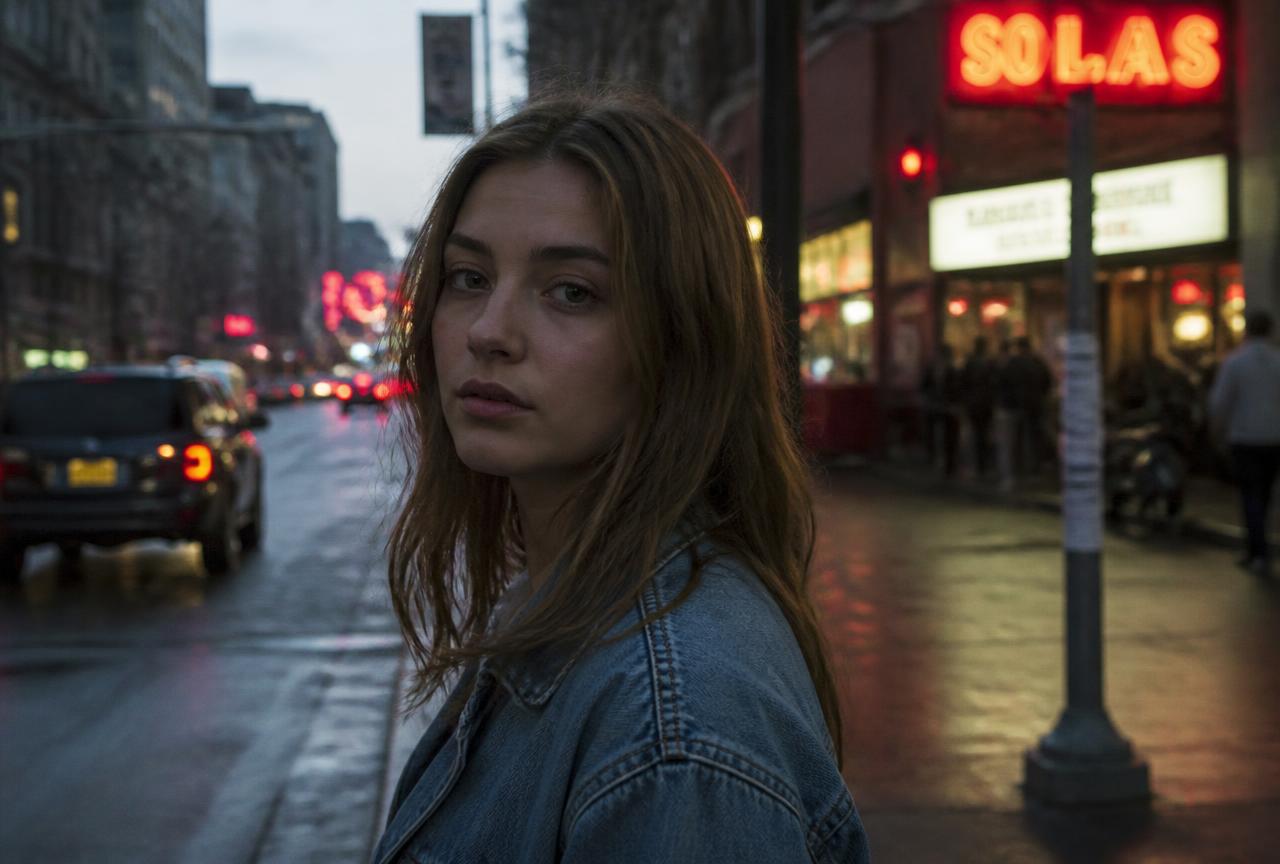
A light, honest look: brighter exposure, neutral colour and open shadows. Nothing decorative — it just makes the photo look like the moment did.
BeforeAfter
↔
Demo imageDemo images are generated illustrations, not photographs taken with a specific camera. They show the direction of the look, not a guaranteed result.
The settings
White balance
- Temperature
- 5500 K
- Tint
- +4
Light
- Exposure
- +0.35
- Contrast
- -5
- Highlights
- -20
- Shadows
- +35
- Whites
- +8
- Blacks
- +8
Presence
- Texture
- -8
- Clarity
- -6
Colour
- Vibrance
- +10
Why these numbers
- Negative Clarity softens skin texture slightly without making it plastic.
- Open shadows (+35) keep faces out of the dark in window light.
- Colour stays near neutral so skin tones read correctly.
Adjust it for your photo
- Check the brightest part of the skin — if it is pure white, lower Exposure.
- Under yellow bulbs, lower Temperature to about 4300.
Best for
Family photosHeadshotsIndoor portraitsProduct photos
A preset is a starting point, not a finished edit. Always check exposure and white balance afterwards — the same values look different on a different photo.