All presets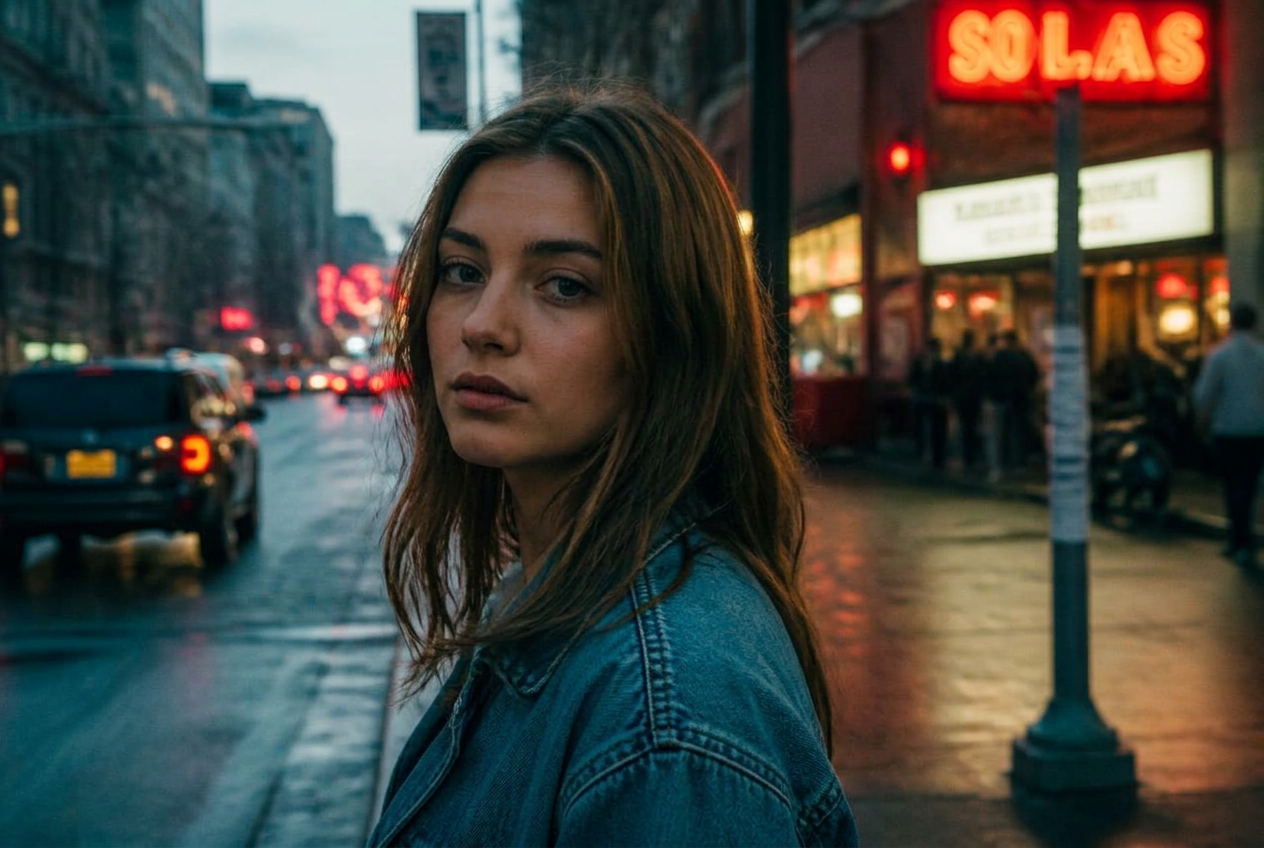
Cinematic
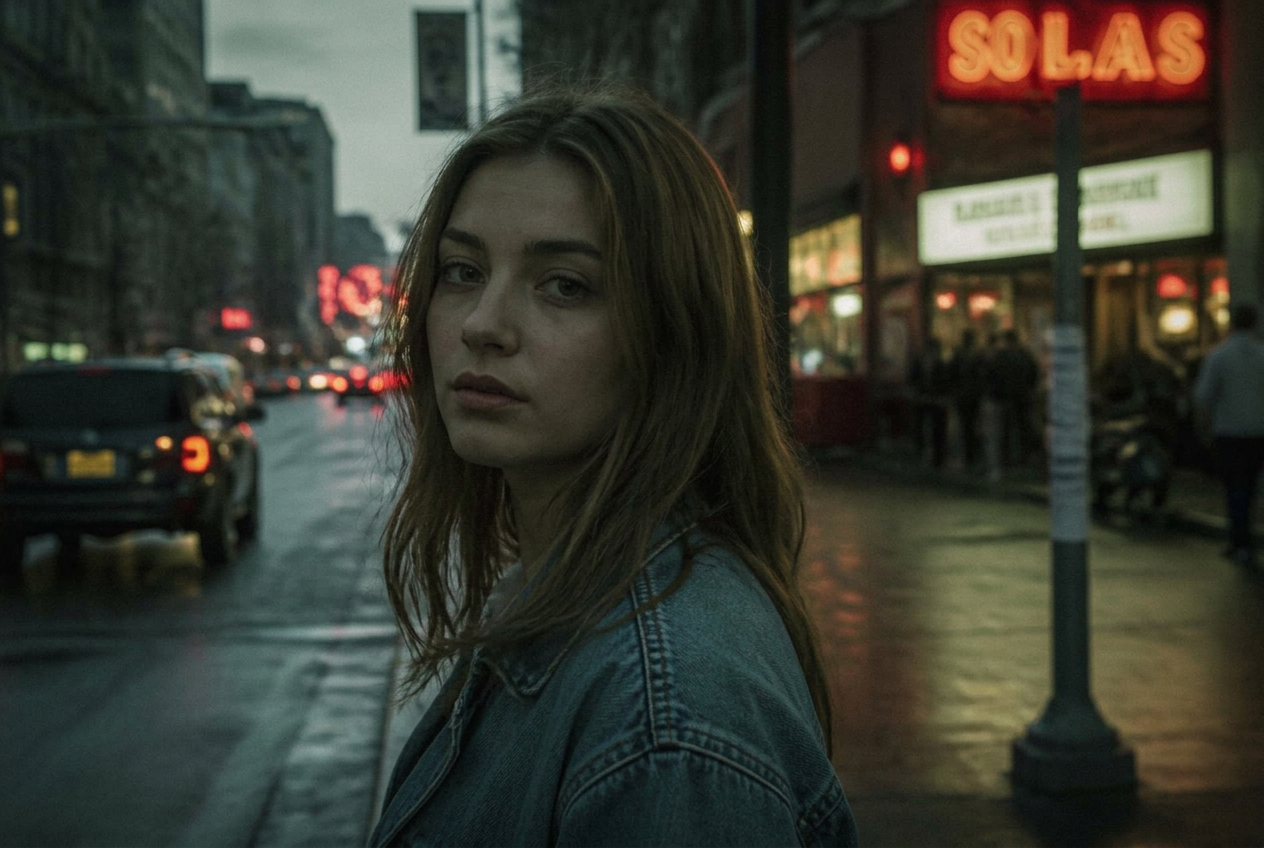
Teal shadows, warm skin
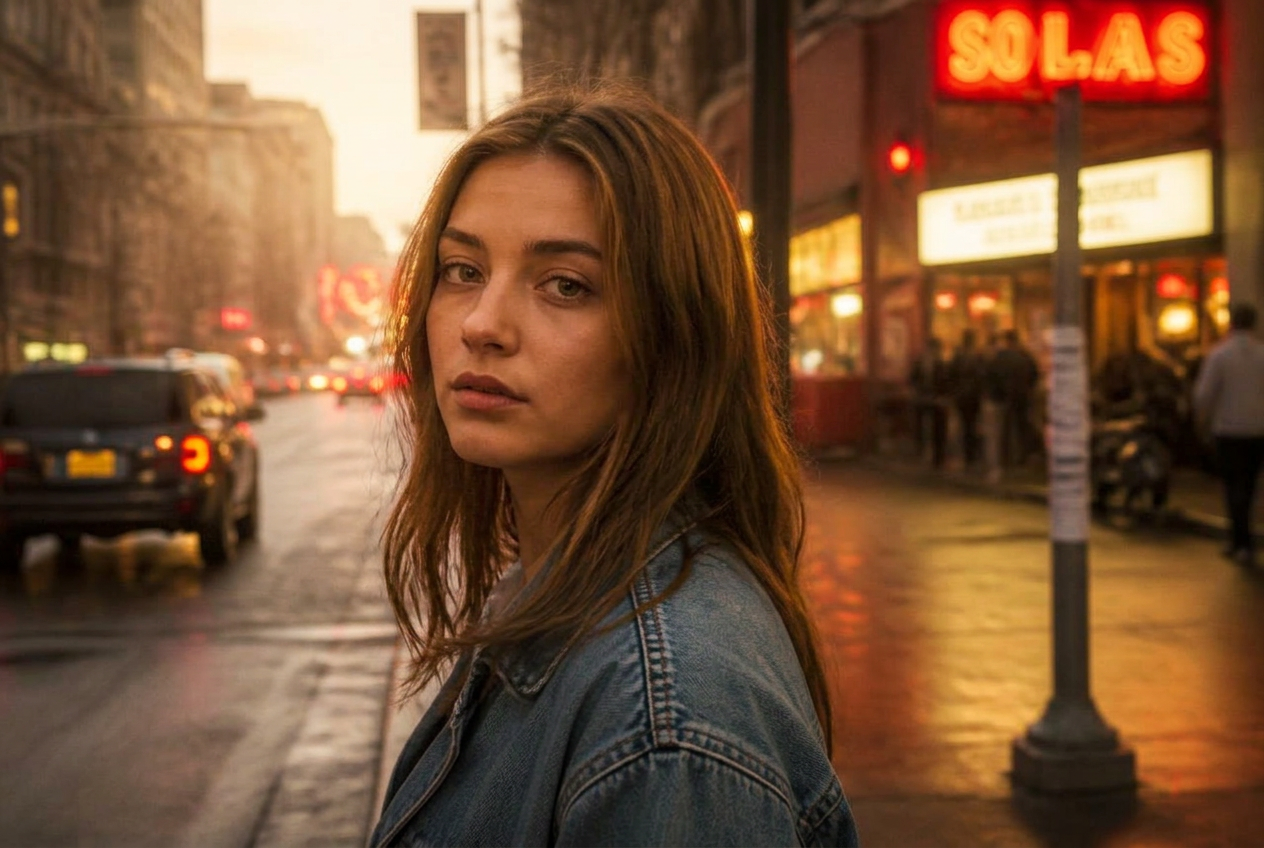
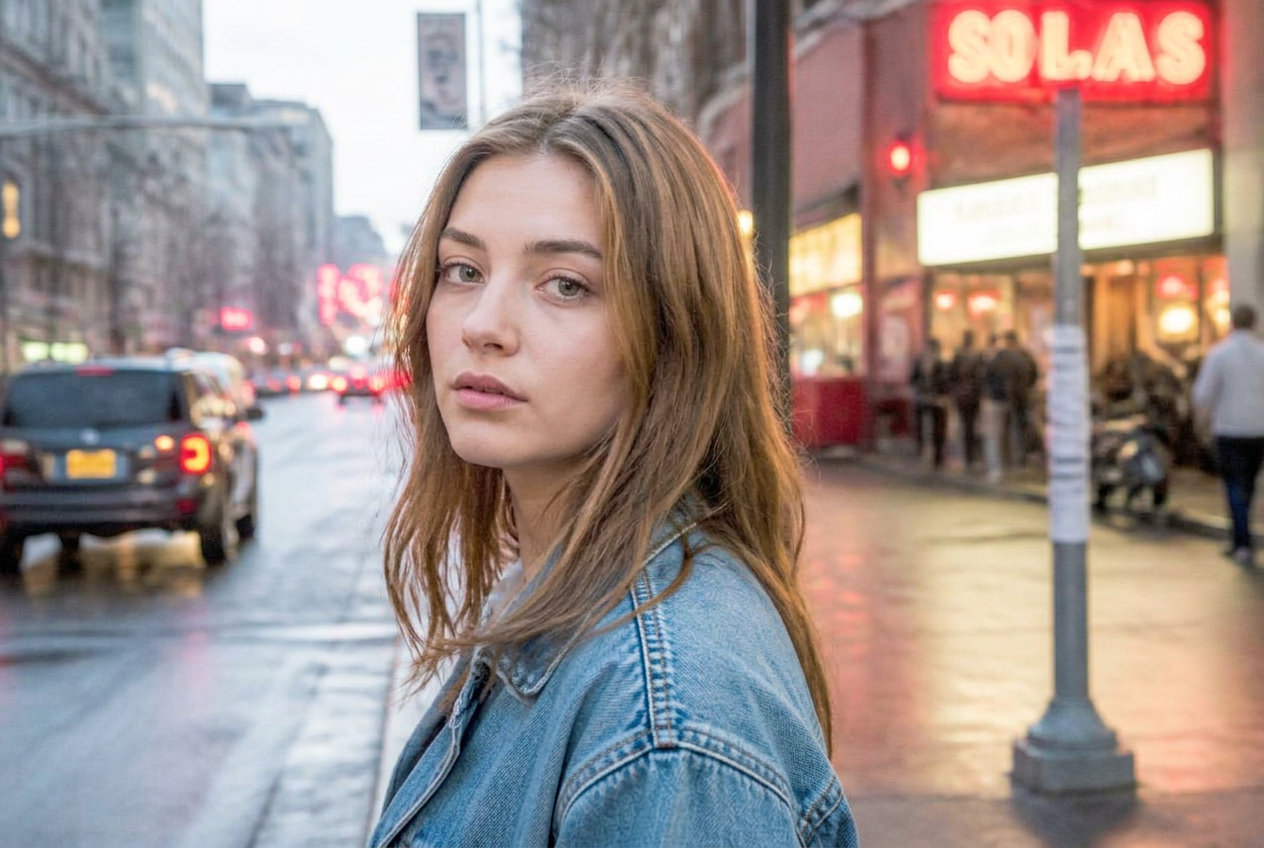
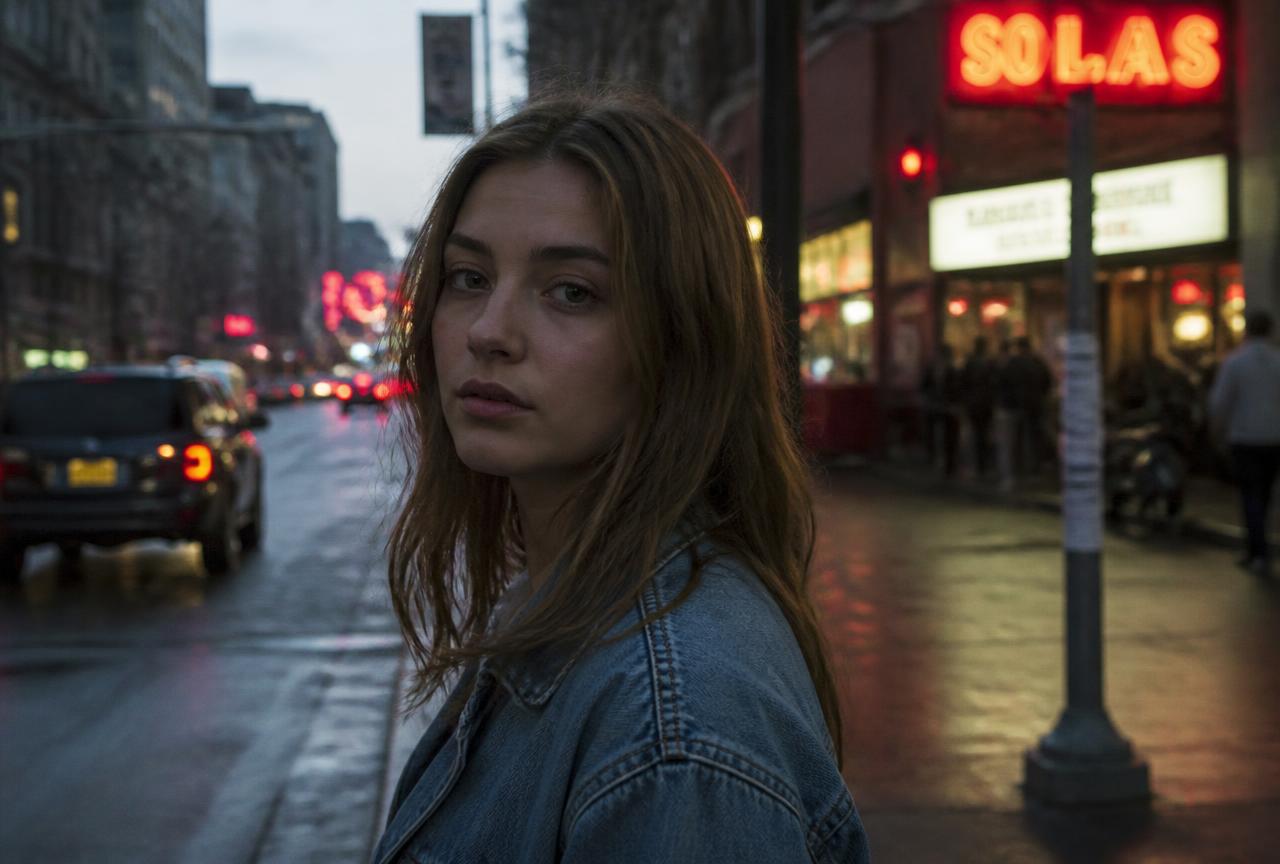
The film-still look: cool blue-green shadows, warm skin tones and slightly lifted blacks so nothing is pure black. Works best on photos with people in mixed city light.
BeforeAfter
↔
Demo imageDemo images are generated illustrations, not photographs taken with a specific camera. They show the direction of the look, not a guaranteed result.
The settings
White balance
- Temperature
- 4900 K
- Tint
- +6
Light
- Exposure
- -0.10
- Contrast
- -8
- Highlights
- -30
- Shadows
- +25
- Whites
- -10
- Blacks
- +15
Presence
- Texture
- +8
- Clarity
- +6
- Dehaze
- +4
Colour
- Vibrance
- +12
- Saturation
- -8
Colour grading
- Shadow tone (hue)
- +205
- Shadow tone (amount)
- +22
- Highlight tone (hue)
- +38
- Highlight tone (amount)
- +14
- Tone balance
- -10
Grain
- Grain
- +12
- Grain size
- +22
Why these numbers
- Lifted blacks (+15 Blacks with lowered Contrast) create the soft matte shadow that reads as 'film'.
- Warm split tone in the highlights and cool tone in the shadows is the whole teal-and-orange idea.
- Saturation is pulled down so the colour separation does the work, not loud colour.
Adjust it for your photo
- If skin looks green, raise Temperature by 3–5.
- On a bright daytime photo reduce the matte effect: pull Blacks back to 0.
Best for
Street portraitsEvening cityTravel storiesVideo stills
A preset is a starting point, not a finished edit. Always check exposure and white balance afterwards — the same values look different on a different photo.