All presets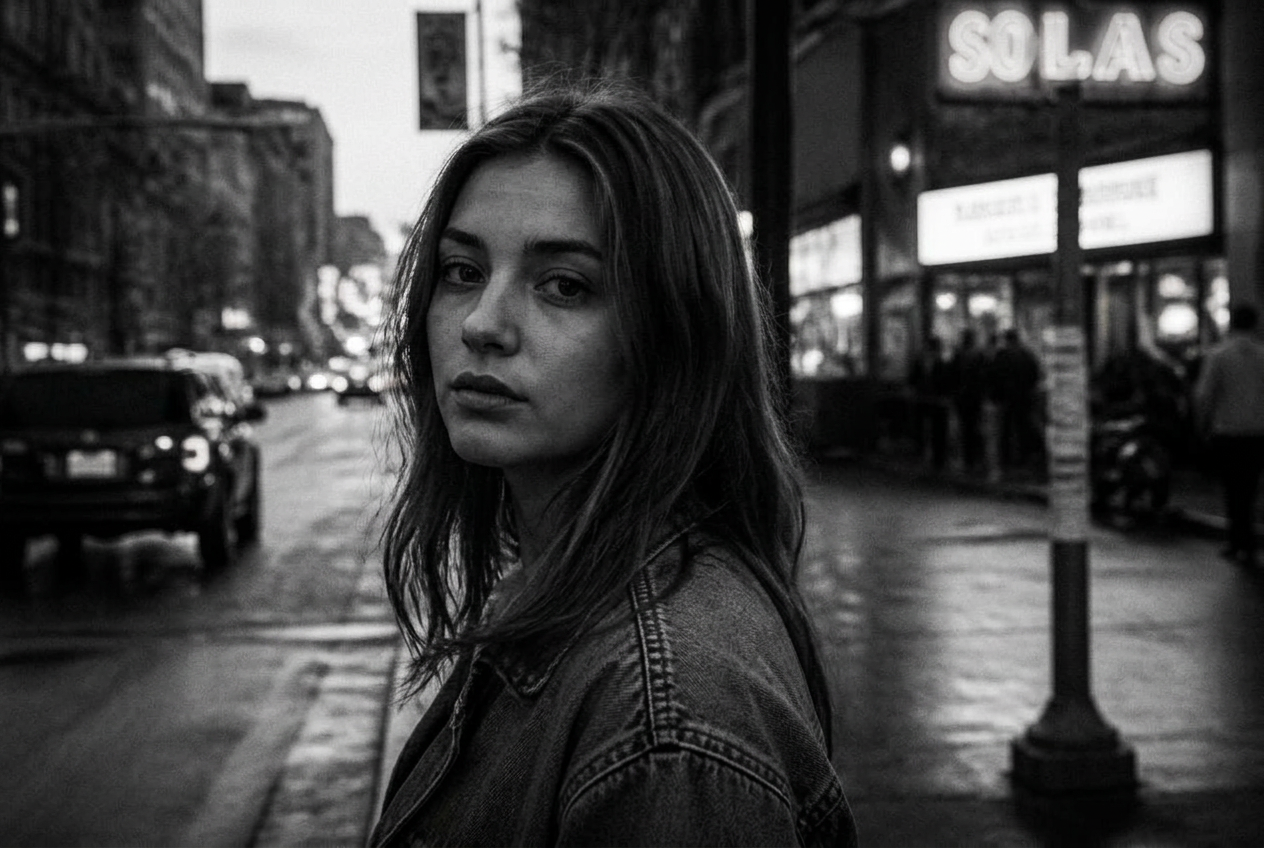
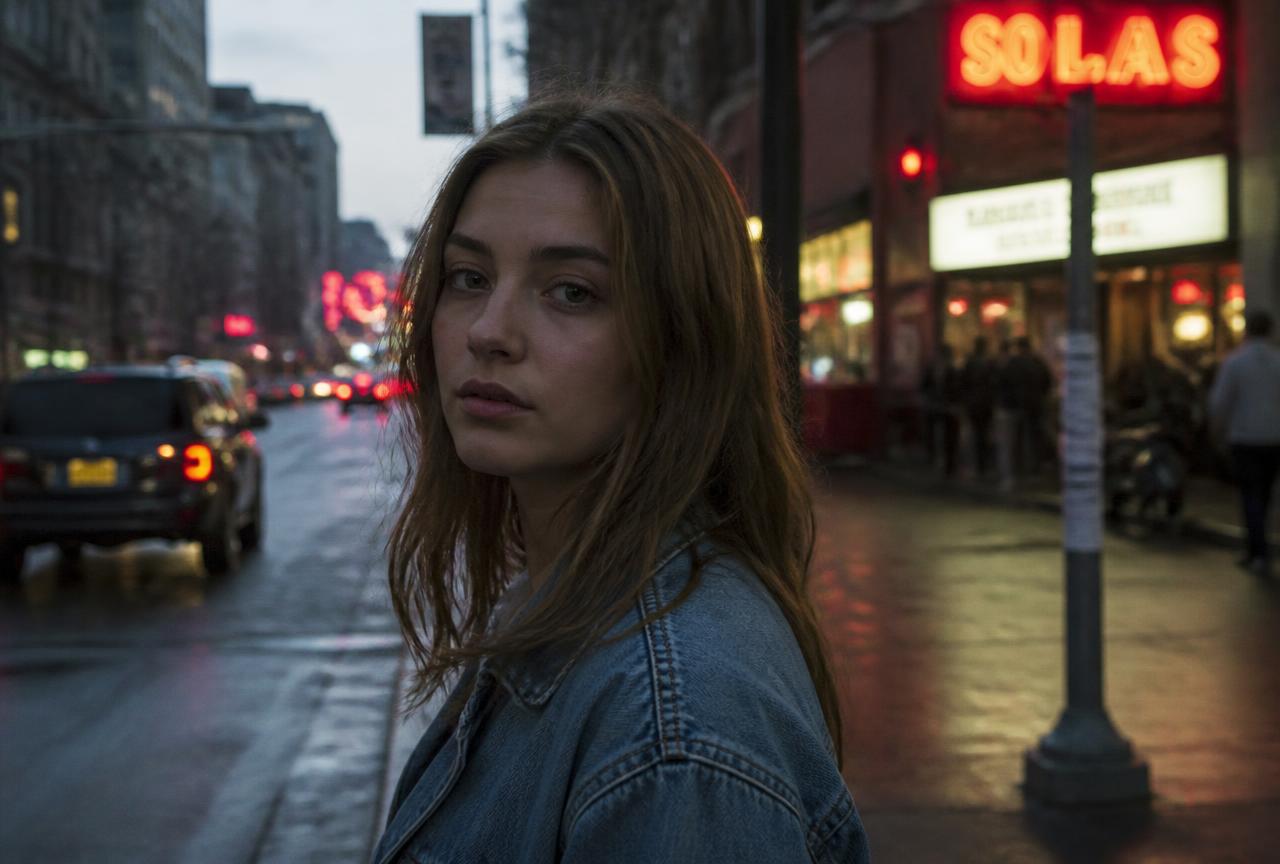
Black & white
Strong contrast monochrome
Colour removed, contrast raised. Without colour the photo lives on light, shape and expression — which is exactly why it forgives messy colour.
BeforeAfter
↔
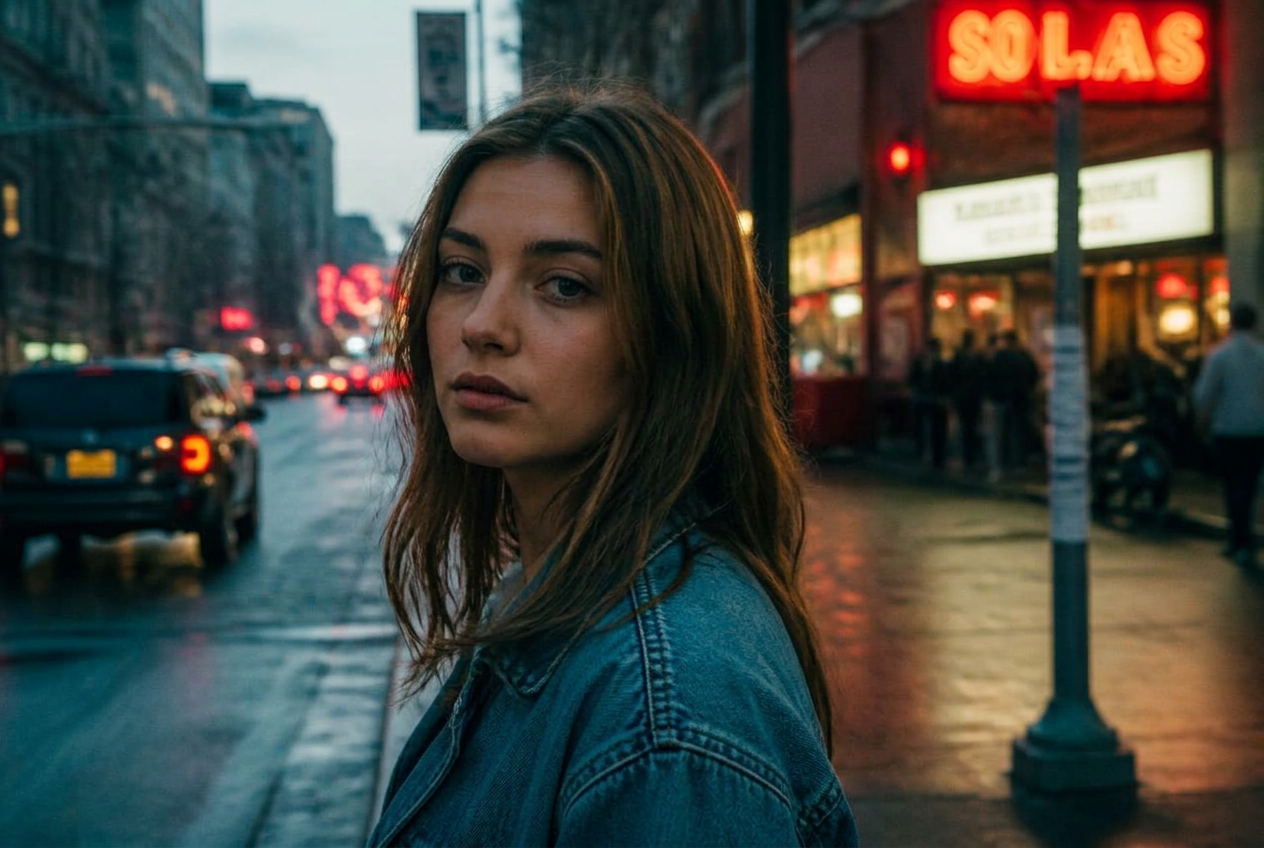
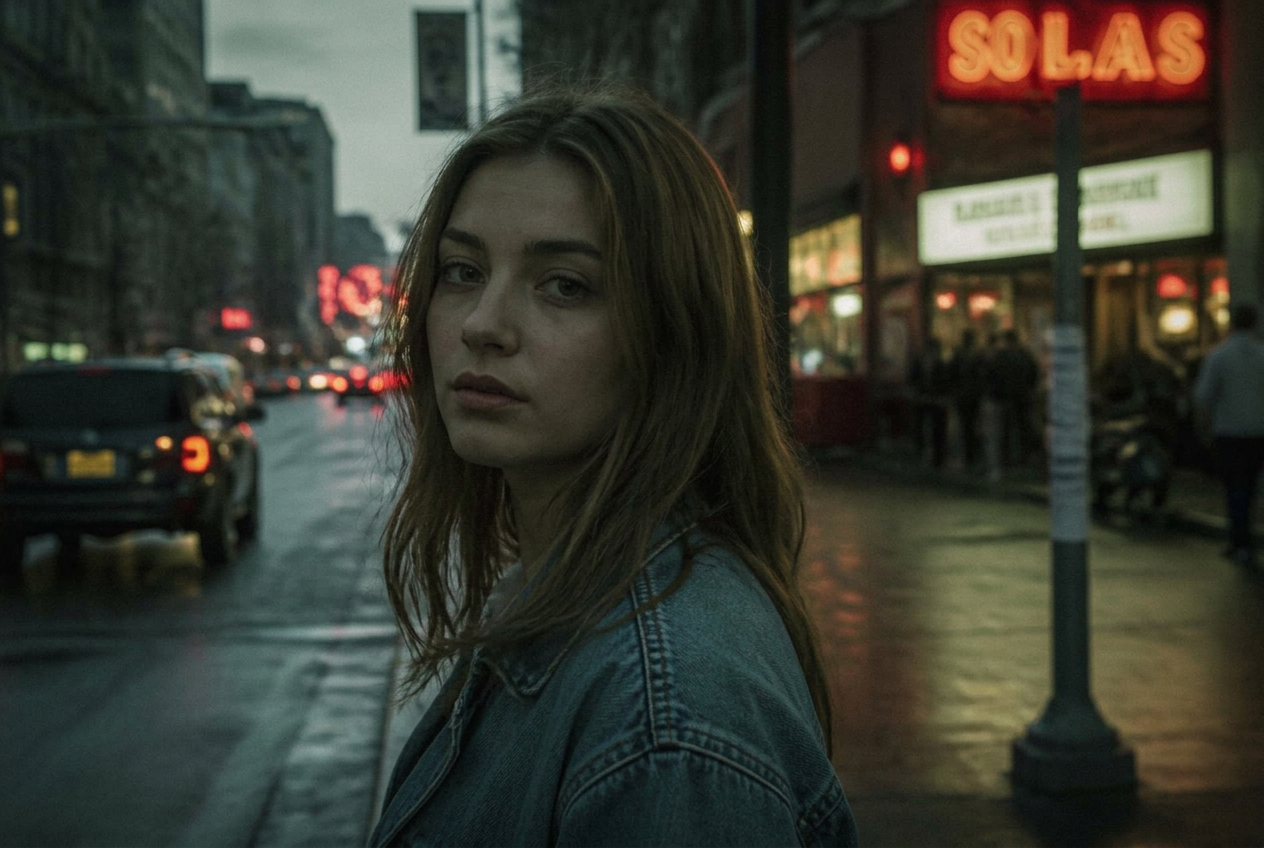
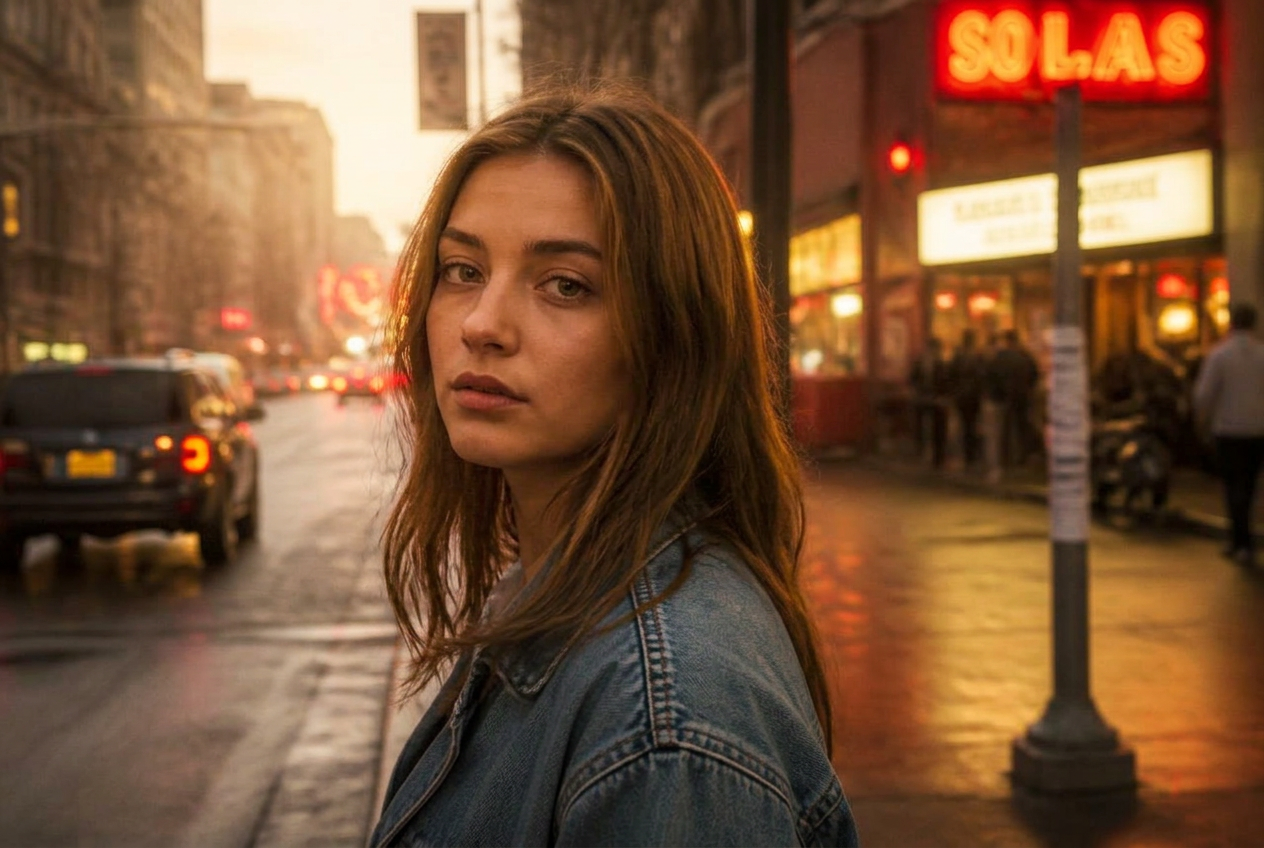
Demo imageDemo images are generated illustrations, not photographs taken with a specific camera. They show the direction of the look, not a guaranteed result.
The settings
Light
- Exposure
- +0.05
- Contrast
- +35
- Highlights
- -20
- Shadows
- +15
- Whites
- +15
- Blacks
- -20
Presence
- Texture
- +15
- Clarity
- +20
- Dehaze
- +6
Colour
- Black & white
- On
Grain
- Grain
- +25
- Grain size
- +24
Why these numbers
- ConvertToGrayscale is the switch; contrast and clarity do the rest.
- Strong Blacks give real black instead of grey mush.
- Grain suits monochrome and hides high-ISO noise.
Adjust it for your photo
- Faces too dark? Raise Shadows; contrast still holds.
- For a softer classic look, drop Clarity to 0.
Best for
Street photographyCharacter portraitsMixed lightingReportage
A preset is a starting point, not a finished edit. Always check exposure and white balance afterwards — the same values look different on a different photo.